
A good toddler game has no ads at all, no in-app purchases, no sign-in, and works without Wi-Fi. Use this ten-point checklist, and the two-minute listing check below, before you hand over your phone.
Why ads are a problem in toddler games
Toddlers tap everything on the screen. Ads can look like buttons, accidental taps can open store pages or websites, and interruptions break the calm, focused play you wanted in the first place.
The 10-point checklist
- No ads at all. Not "fewer ads" or "ads between levels". On Google Play, look for the Contains ads label near the Install button.
- No in-app purchases or subscriptions. Check the In-app purchases label.
- Works offline. It should be playable in the car and on a flight.
- No account or sign-in. A toddler should be playing within two taps.
- Few permissions. A toddler game does not need your camera, microphone or location.
- No chat or social features. There should be no messaging and no profiles.
- No timers, scores or fail states. Calm play means no pressure and no losing.
- Big, forgiving tap targets. Small fingers miss small buttons.
- Easy pause and sound-off. A parent should be able to mute and stop at any time.
- A clear privacy policy written for parents, easy to find on the listing and the developer's website.
How to check a listing in two minutes
- Open the app's Google Play page and look under the Install button for the Contains ads and In-app purchases labels.
- Open the Data safety section and see what the app says it collects.
- Scroll the screenshots for ad banners, locked content or purchase buttons.
- Skim recent reviews and search them for the word "ads".
- Open the developer's website and read the privacy policy.
Example: how Clappy measures up
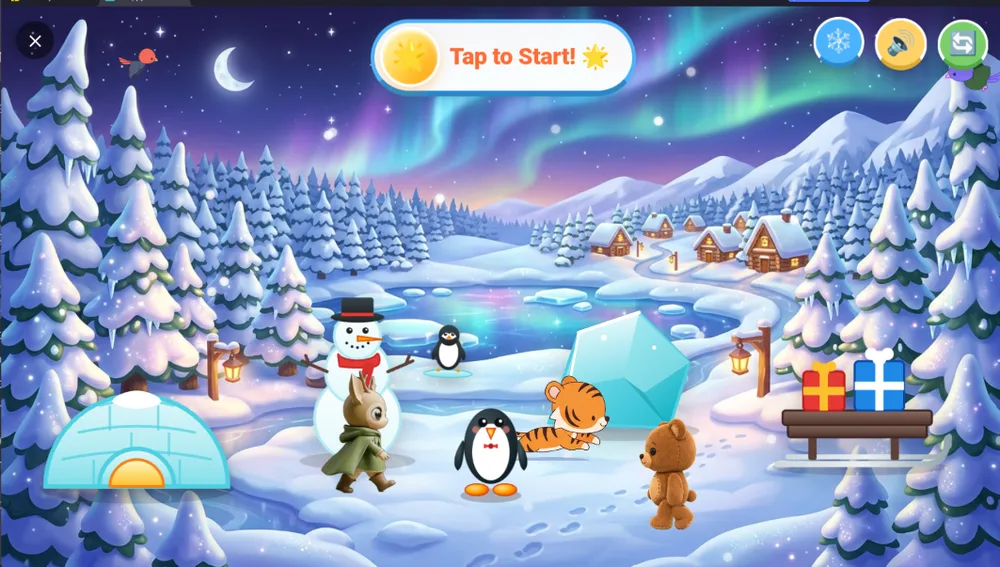
We make Clappy, so judge it with the same checklist. According to its Google Play listing, Clappy is free with no ads, no in-app purchases and no accounts. It works fully offline, does not use the camera or microphone, has no fail states or timers, uses big forgiving tap targets, and has pause and sound-off in every scene. Our privacy policy spells out the details.
Try Clappy, our free offline toddler game app
Peekaboo scenes, an animal park and a train that takes animal friends to school. No ads, no in-app purchases, no accounts and no Wi-Fi needed. Made for ages 2 to 5.
Get it on Google Play Learn more about ClappyQuick answers
Are there toddler games with no ads?
Yes. Some toddler apps are completely free with no ads and no in-app purchases. Check the listing for the Contains ads and In-app purchases labels, and read the Data safety section before installing.
Do free toddler games always have ads?
No. Free does not have to mean ads. Look for apps that say clearly that they have no ads and no in-app purchases, and confirm it on the store listing.
Is offline mode enough to avoid ads?
Not always. An app that works offline may still show ads whenever it reconnects, so check the Contains ads label as well.
What permissions should a toddler game need?
Very few. A simple toddler game does not need the camera, microphone or your location, so be cautious if it asks for them.